Solo Driver
Login → Import or add stops → Navigate → Save result → Review Results
Follow the numbered tap markers to learn the normal Delivery Pro workflow. This guide is designed for first-time users and mirrors the same core flow used for app review.
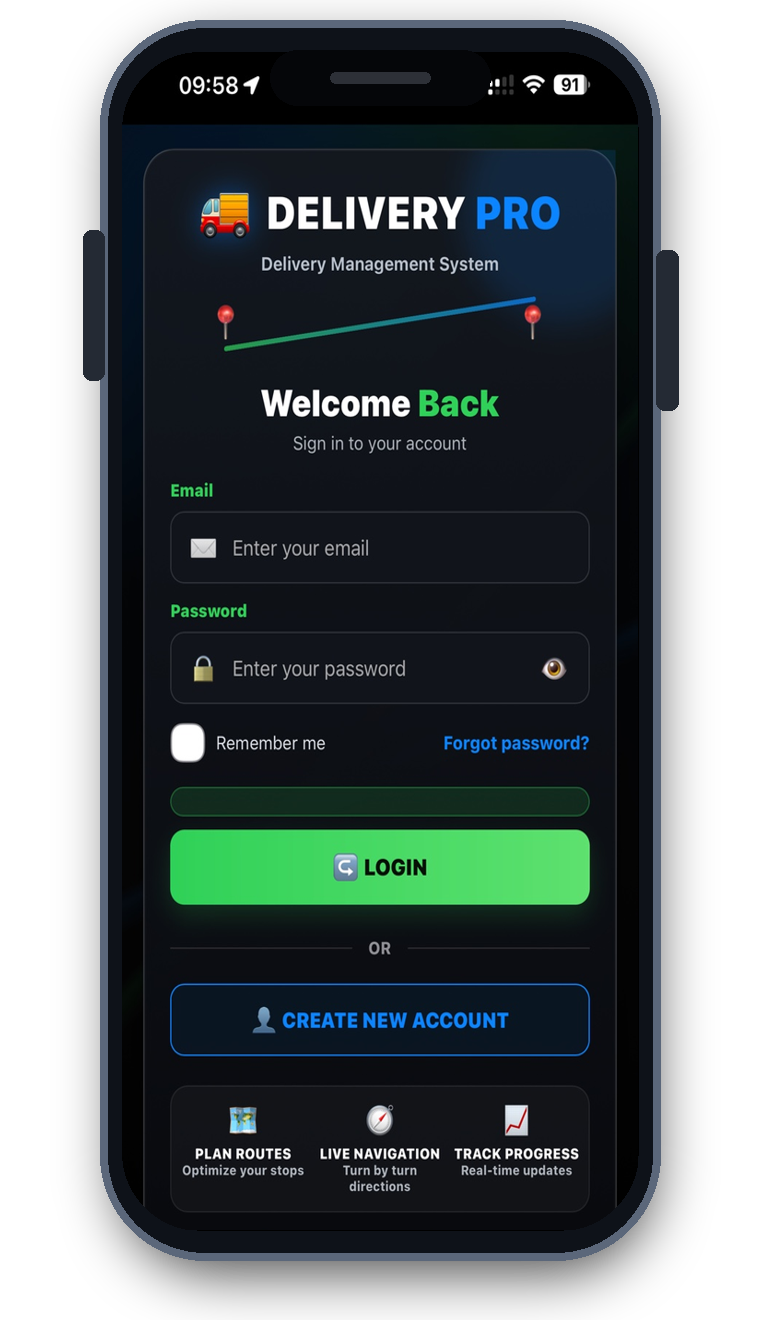
Choose a user type, then move through the steps. The pulsing number shows the main place to tap.
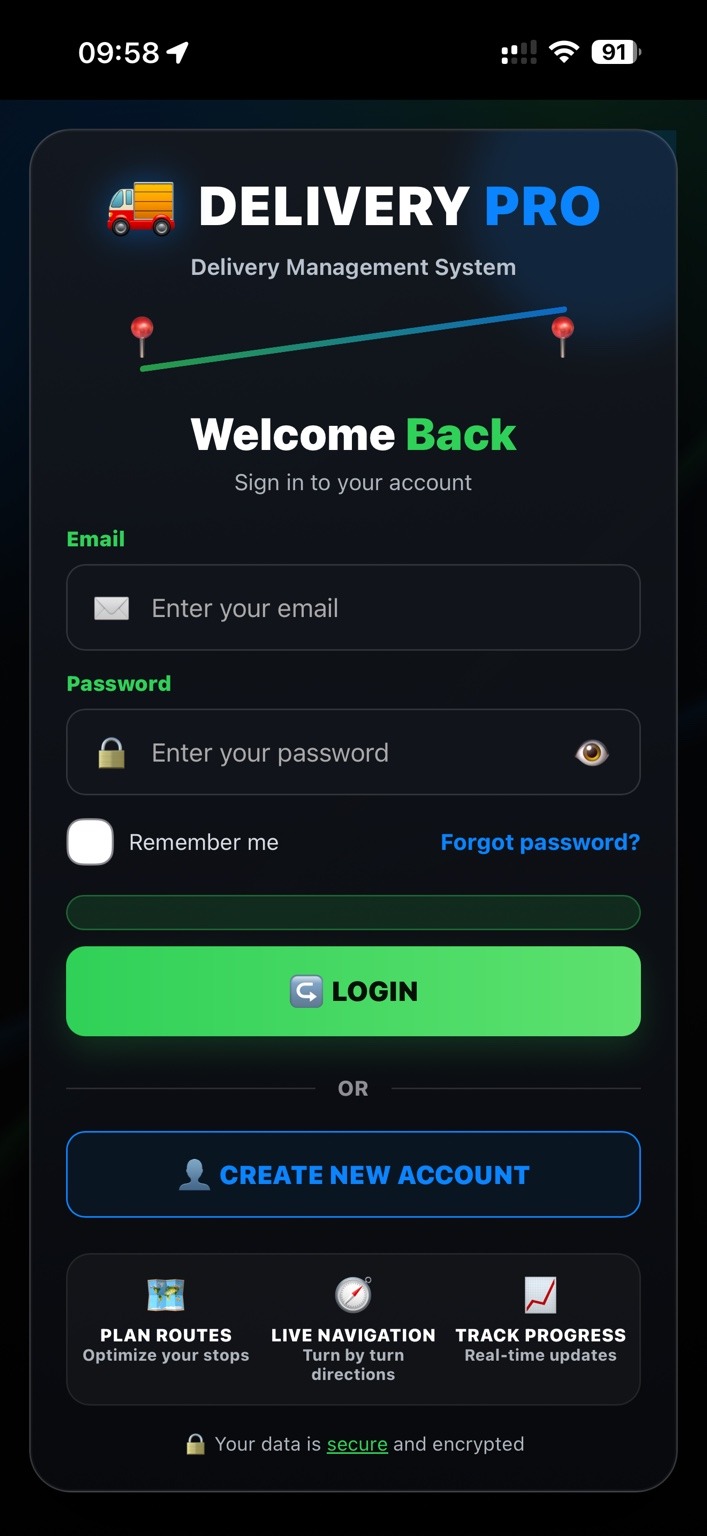
Enter your Delivery Pro email and password, then tap LOGIN.
Choose the path that matches the account being used.
Login → Import or add stops → Navigate → Save result → Review Results
Login → Open Company / Drivers → Manage drivers → Import and assign routes → Review reports
Login → Open assigned route → Navigate → Capture POD → Save and sync results
Use this sequence from launch to completion.
Use CSV or Excel/XLSX for the clearest first import. PDF is supported, but always review detected stops.
Import helpOn iPhone, Solo and Company subscriptions use Apple’s native purchase flow. Restore Purchase is available in the app.
View plansLocation supports navigation and camera access supports proof-of-delivery photos. Prompts appear only when needed.
Privacy policyAccount deletion is available from Delivery Pro and is intended to be permanent.
Account deletionIf you cannot find a screen or control, contact Delivery Pro support and tell us which step you are on.